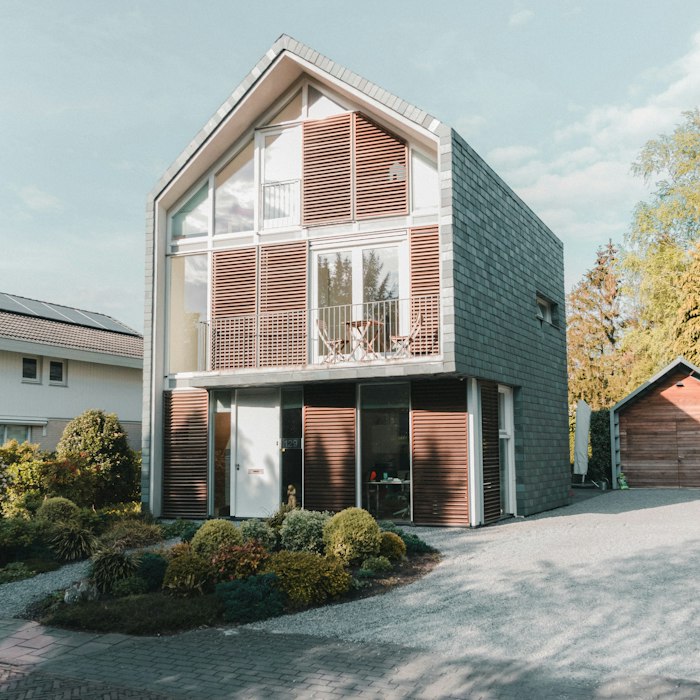
 BeforeAfter
Restyle
Explore watercolor, illustration and other styles while describing the details you want to preserve.
Use an AI photo enhancer to improve clarity, lighting and fine details. Upload a photo and describe the natural-looking improvements you want.
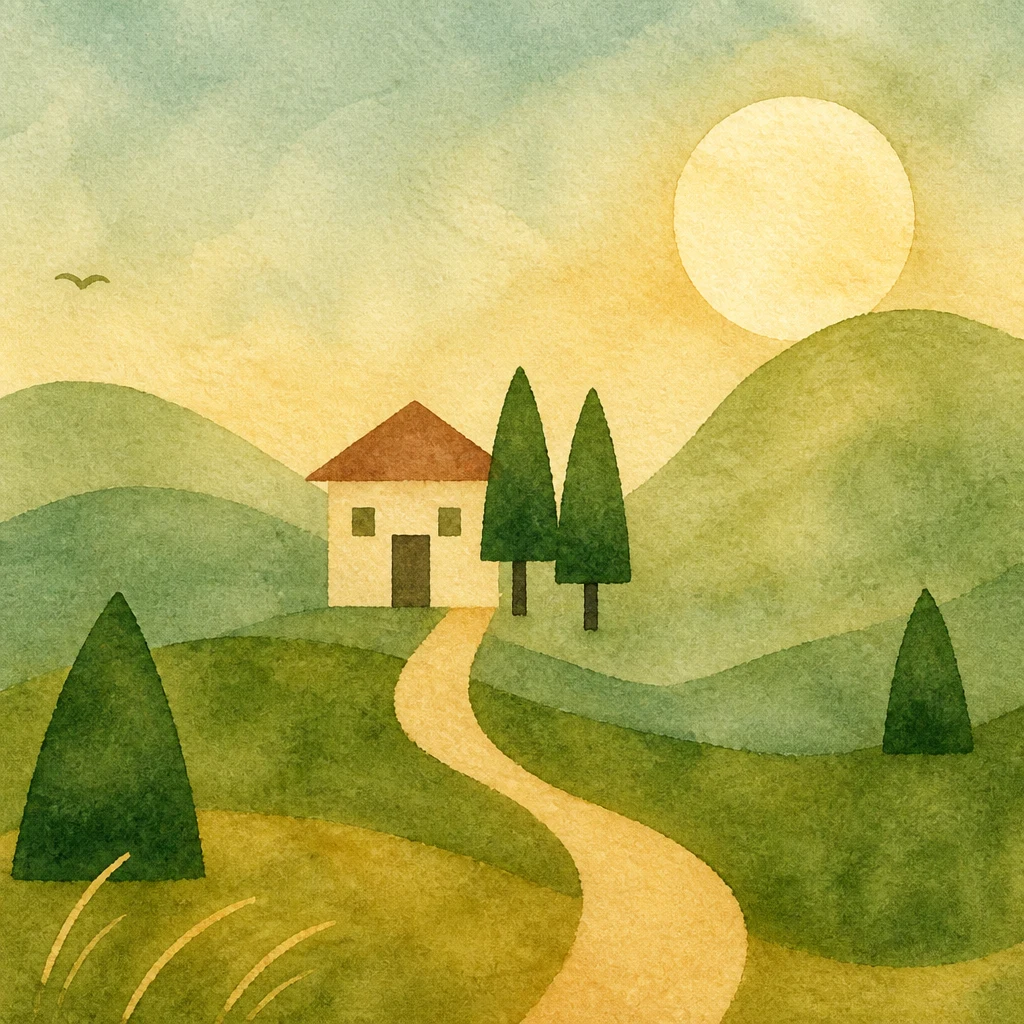
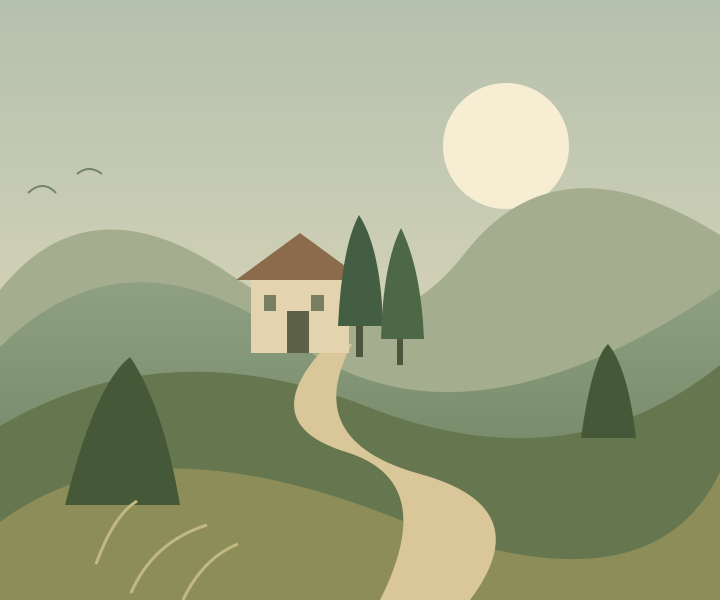
From a simple illustration to a watercolor.
“Reimagine this image as a warm, textured watercolor illustration.”
Real AI edit · Upload your own image to explore a new direction
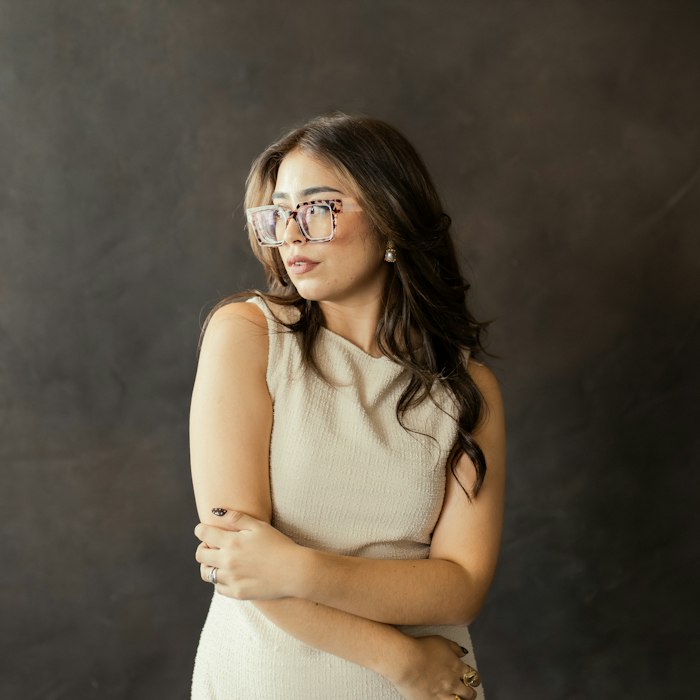
Improve clarity and gently reduce noise. Balance the lighting while preserving natural skin texture, original colors, facial features and composition. Avoid over-sharpening.
This tool edits your image with a generative model. It may reinterpret fine details and does not guarantee recovery of information missing from the original. Output size and credit cost are shown in the editor.
Need an idea? Choose a starting point, then make the instructions your own.
BeforeAfterExplore watercolor, illustration and other styles while describing the details you want to preserve.
 BeforeAfter
Place your subject in a different setting and describe the lighting you want.
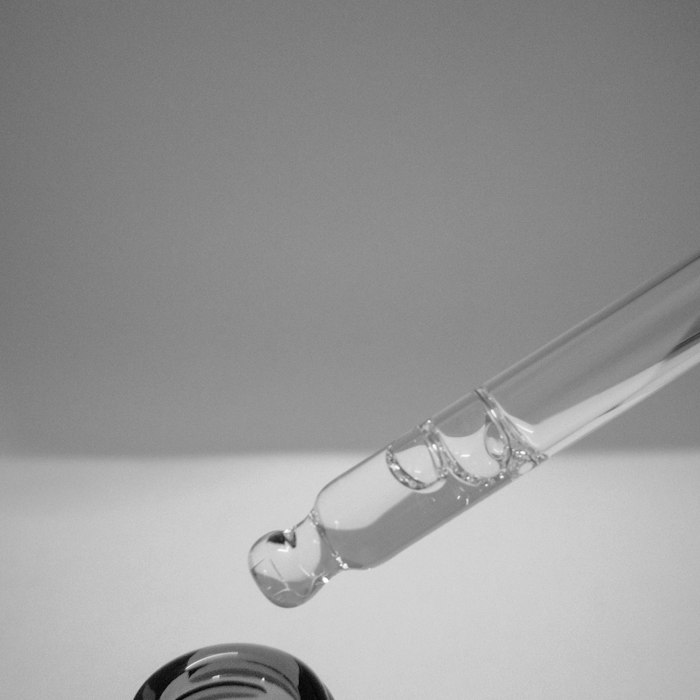 BeforeAfter
Describe an unwanted object and ask the AI to fill the area naturally.
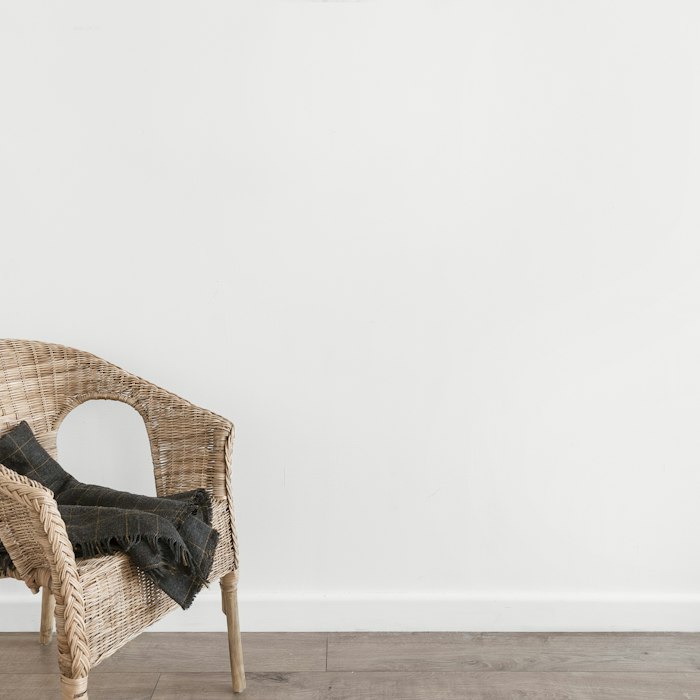 BeforeAfter
Describe a new outfit while asking to preserve the person’s features and pose.
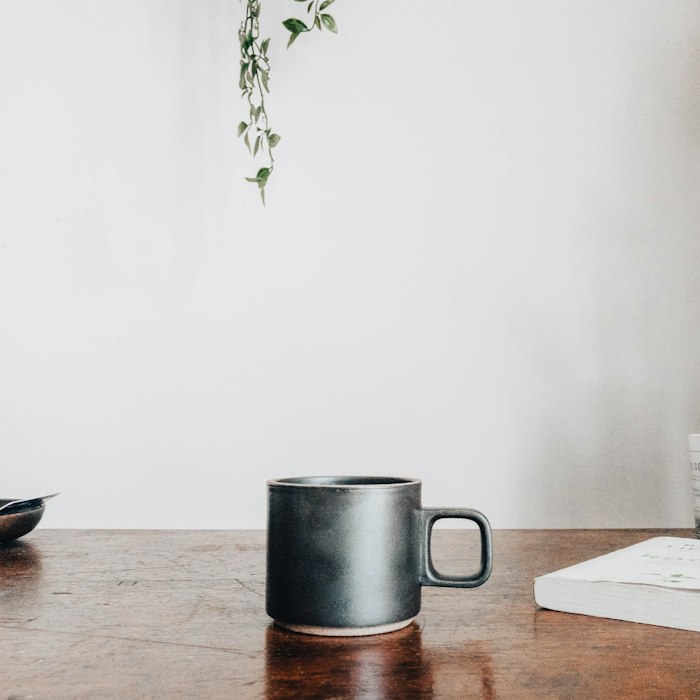 BeforeAfter
Ask for clearer detail, balanced lighting and natural-looking colors.
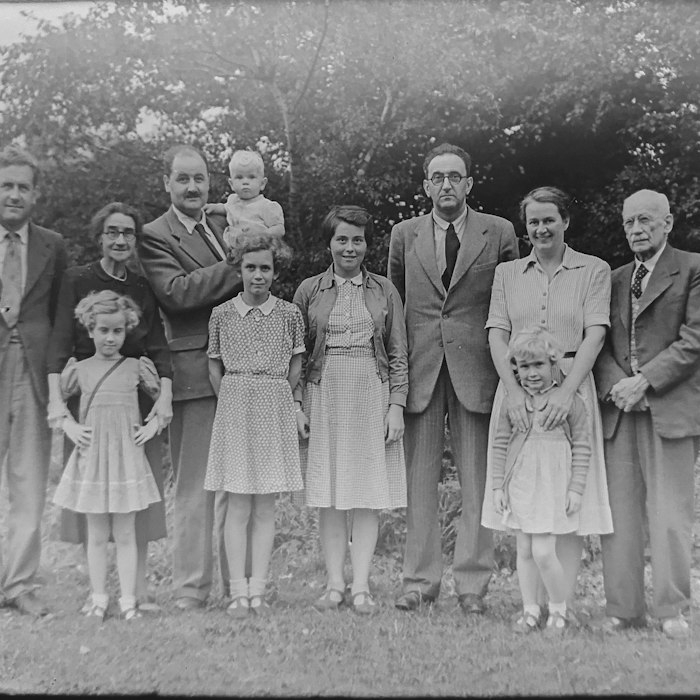 BeforeAfter
Describe scratches, fading or damage you want to reduce while preserving the original scene.
Illustrative examples · Try the prompts with your own images.
Need an idea? Choose a starting point, then make the instructions your own.
Explore watercolor, illustration and other styles while describing the details you want to preserve.
Describe an unwanted object and ask the AI to fill the area naturally.
Place your subject in a different setting and describe the lighting you want.
Describe a new outfit while asking to preserve the person’s features and pose.
Ask for clearer detail, balanced lighting and natural-looking colors.
Describe scratches, fading or damage you want to reduce while preserving the original scene.
These are editing ideas, not guaranteed outcomes. Results depend on the image and instructions.
Start with an image you want to edit. Choose a JPG, PNG or WebP file up to 24 MB.
Tell the AI what to change and what to keep. Write your own instructions or start with an editing scene.
Compare the result with your original, download your image, or continue editing.
Try one edit without signing up. Sign in for 5 free credits per UTC day. Free access is limited to the first 100 free users who start an edit each day.
Keep control of your instructions. Scene presets are starting points, not limits on what you can ask.
The editor shows the estimated credits before generation. Credits are reserved when an edit starts. Confirmed failed edits release their reservation.
Use the editor in your browser, with a layout designed for desktop and mobile.
Try one Basic 1K or 2K edit free without signing up. Verified accounts receive 5 free credits per UTC day; unused daily credits do not roll over. Free accounts can use Basic 1K and 2K; Basic 4K and Pro require purchased credits. Paid credit packs are available for additional use. Free access is limited to 100 users per UTC day; purchased-credit accounts are exempt.
Your first Basic 1K or 2K edit and download need no sign-up. Sign in to keep your trial creation and get 5 free credits each day. Basic 4K and Pro require purchased credits. Before signing in, clearing cookies removes access to your trial history.
Upload a JPG, PNG or WebP image up to 24 MB.
We do not add a watermark to your downloaded image.
Generation time varies with the edit, output settings and service demand. We do not promise a fixed completion time. The editor displays the status of your task.
Commercial use depends on the applicable service terms, model provider conditions and rights in your input images. The service does not grant a blanket commercial-use guarantee.
The editor has a responsive mobile layout. Upload a photo, describe your edit and download the result from your browser.
The service stores uploads and generated images for editing and private account or browser guest history. See the privacy policy for access and deletion details.
Upload a photo and describe what you would like to change.
Try the editor