
ImageToImage AI

Nano Banana 2.1 vs Pro: Which Image Model Should You Use?

In these three 1K edits, 2.1 produced a softer wall finish; Pro added stronger texture and bolder lettering. Both spelled our two-line text correctly. Both also removed an unintended detail in the object-removal example.

Nano BananaSTUDIO
Private by default
Be specific. The little details matter.
Model

Same photo. Same prompt. Two models.

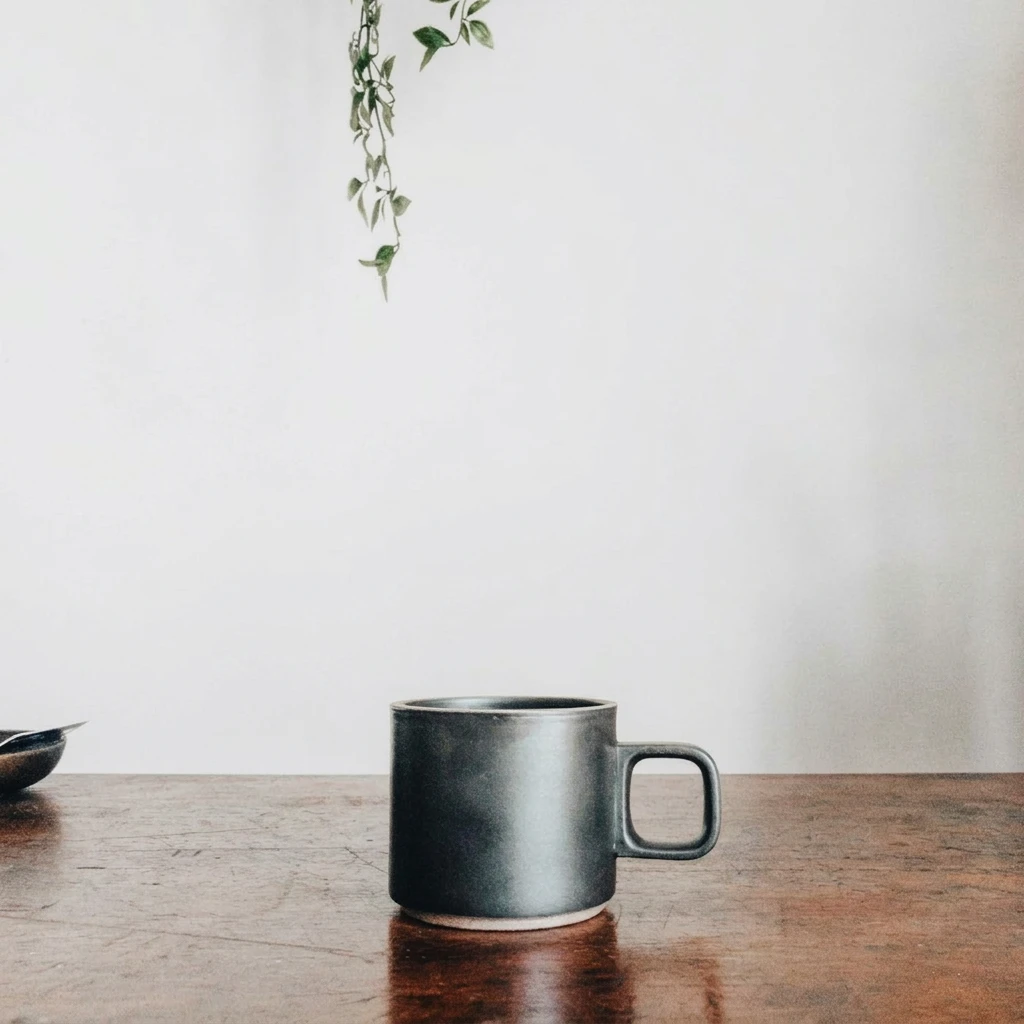
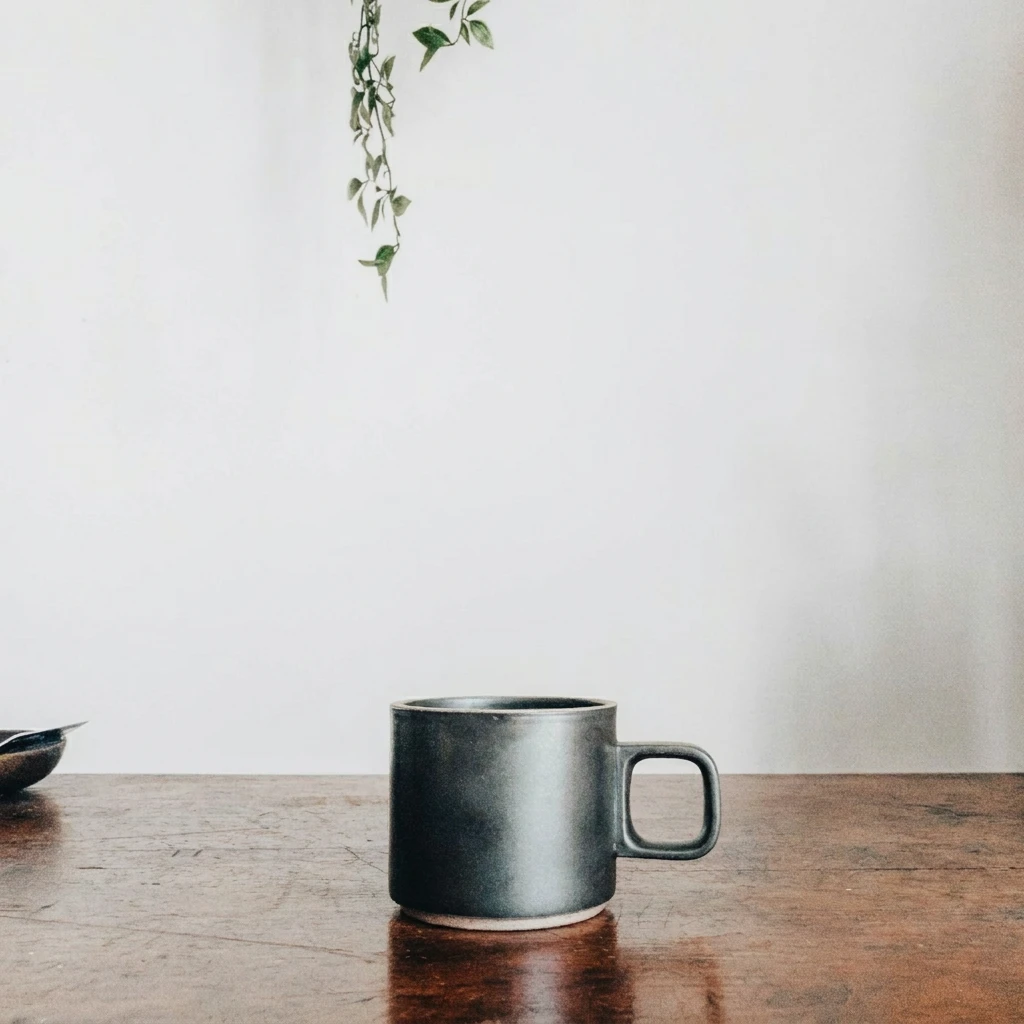
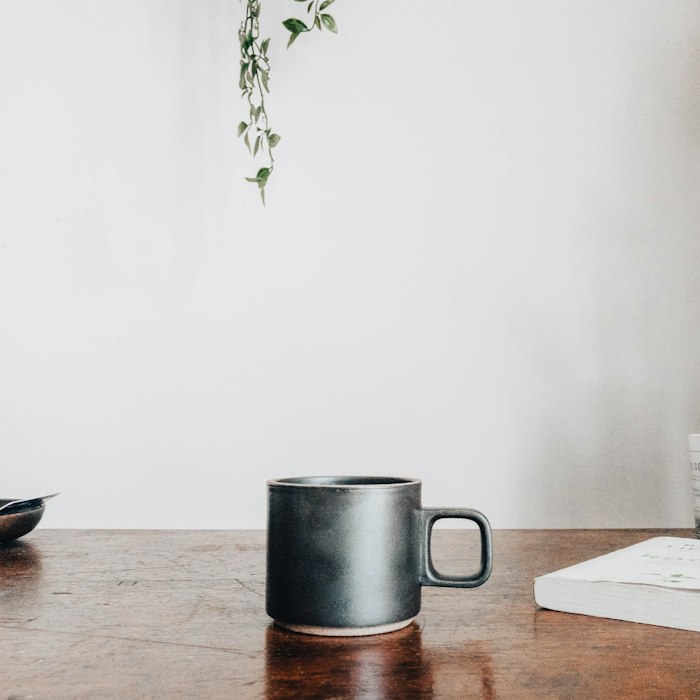
Original mug on a wooden table, with a white book and hanging plant

Three edits, one source photo, one output per model and prompt. All outputs are 1K (1024 × 1024). Compare the background, lettering and object removal below to see how each model handled the same edit.

Change the background

Prompt Change only the white wall behind the mug to a warm terracotta plaster wall. Preserve the mug, handle, table, book, plant, lighting and camera position. Keep a square composition.
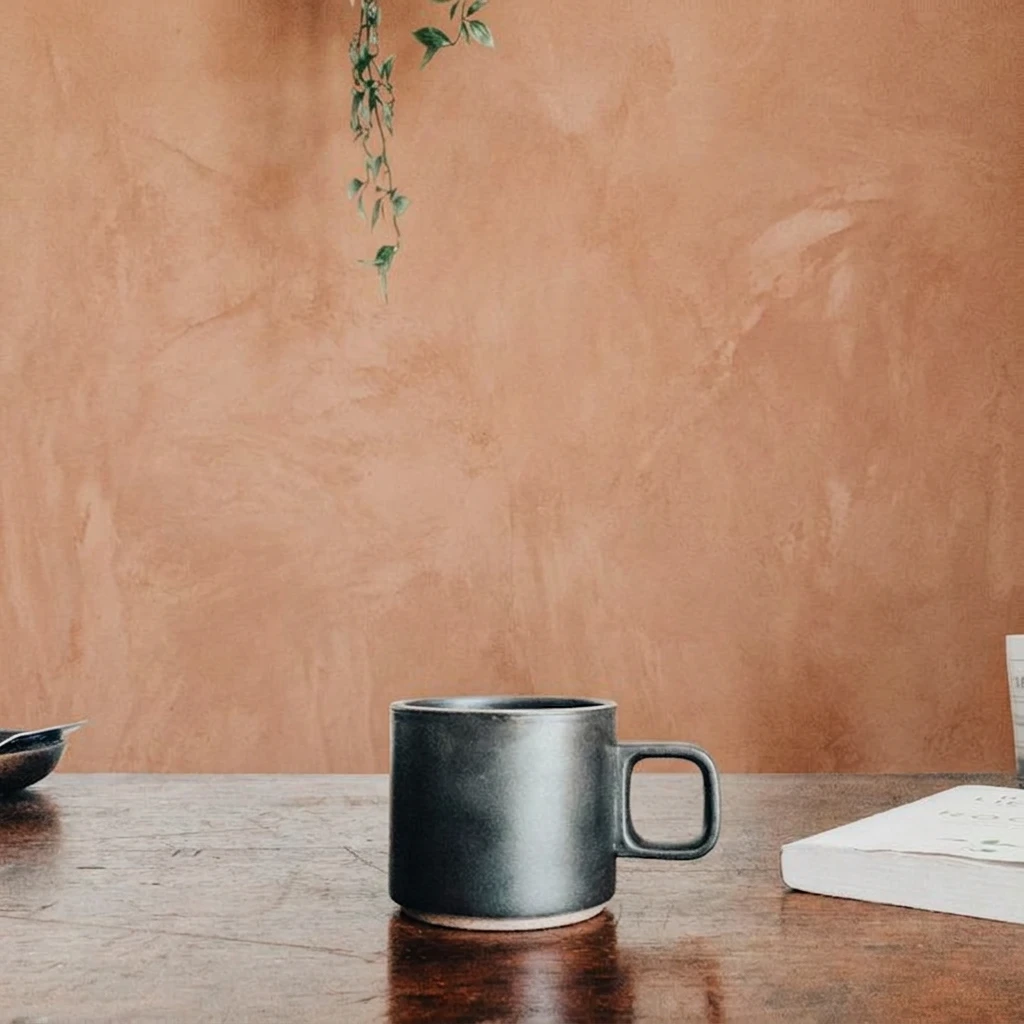
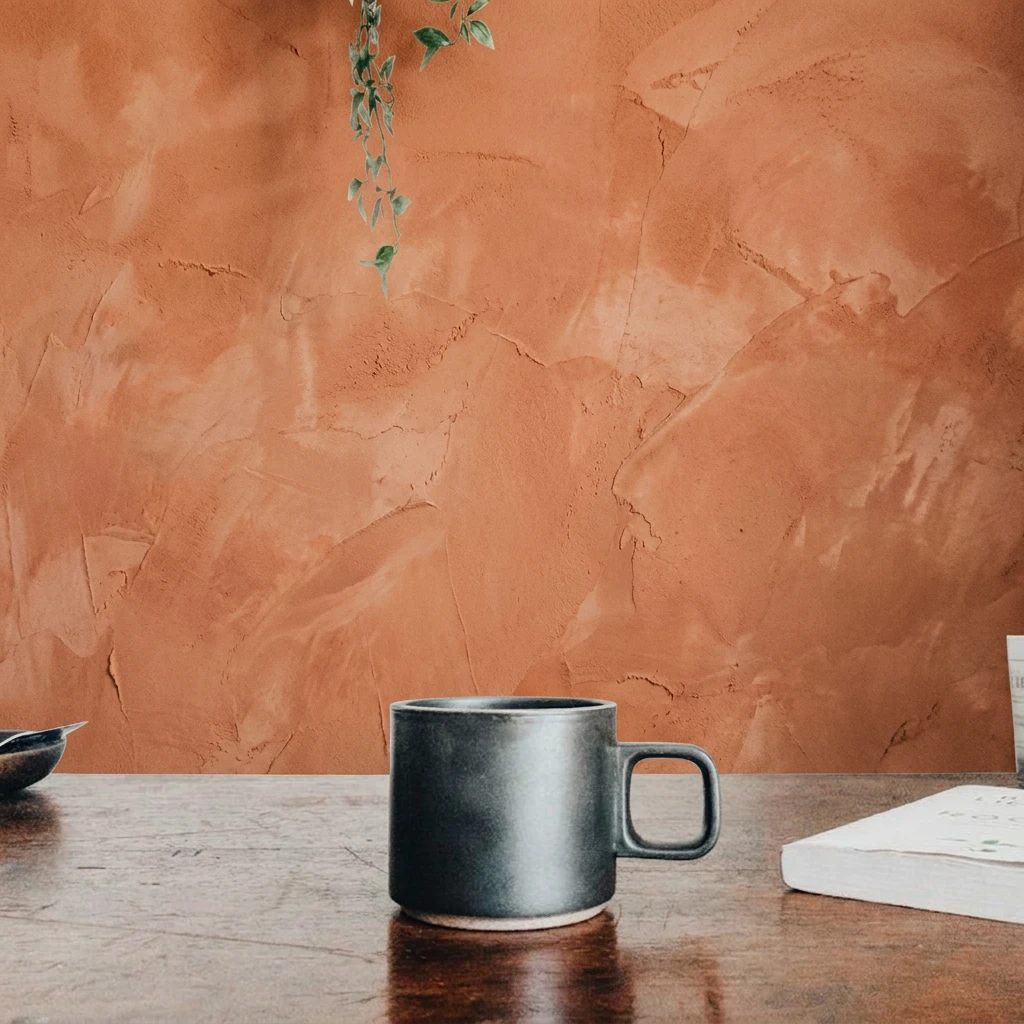
Nano Banana 2.1
Download
Nano Banana Pro
Download

Both outputs replace the white wall with terracotta while keeping the mug, book and hanging plant in their visible positions. 2.1 produces a softer, more even plaster finish. Pro adds darker, more pronounced ridges and crack-like marks. The prompt did not prescribe a texture strength, so this is a visible style difference, not proof of higher accuracy.


Render exact lettering

Prompt Add exactly the words MORNING CLUB in two centered lines of cream-colored lettering on the front of the mug. Preserve the mug shape, handle, texture, table, book, plant and background. Keep a square composition.

Nano Banana 2.1
Download
Nano Banana Pro
Download

Both outputs spell MORNING CLUB correctly, use two lines, and place cream-colored lettering on the mug. 2.1 uses tall, rounded, hand-drawn-looking letters; Pro uses heavier, compact block lettering with a slight arch across the top line. The prompt did not specify a typeface. Neither output has a visible spelling advantage in this example. Choose the lettering style you prefer; this single short phrase does not establish performance on longer or multilingual text.

Remove an object

Prompt Remove only the white book at the lower right and reconstruct the wooden table underneath it. Preserve the mug, handle, plant, wall, lighting and camera position. Keep a square composition.

Nano Banana 2.1
Download
Nano Banana Pro
Download

Both outputs remove the white book and fill the exposed area with wooden tabletop texture. The mug, handle, left-edge dish and hanging plant remain visible. However, the small white object at the far right edge also disappears in both outputs, even though the instruction was to remove only the book. Neither result is an exact preservation of everything outside the target. This case shows a shared editing limitation rather than a clear quality winner.

What differed in these three tests?

ObservationNano Banana 2.1Nano Banana Pro
Wall textureSofter, more even plasterStronger ridges and crack-like marks
MORNING CLUB letteringCorrect words; tall, rounded letteringCorrect words; heavier block lettering
Book removalBook removed; small right-edge white object also removedBook removed; small right-edge white object also removed

Prefer a softer wall finish and rounded lettering? Look at 2.1’s examples. Prefer stronger texture and bolder lettering? Look at Pro’s. Both removal outputs need a check for unintended changes.

Last updated: October 8, 2026 · Three prompts, six 1K outputs.